
Photo to Anime · Image to Anime
Photo to Anime: Reference-Guided Original Characters
Turn a reference image into inspiration for a new anime character or scene. In Storyboard mode, upload a sketch, mood board, outfit, pet or object as a reference, describe the story in text, and the AI creates a new original anime image in one of 15 styles. The reference guides art style, colour palette, outfit and pose; likeness may vary.
How it differs
Reference-Guided Generation vs. a Photo Filter
| Photo filter | Reference-guided anime art | |
|---|---|---|
| What you get | The same picture with an anime effect | A new original character or scene |
| Role of the image | It is the picture being converted | It is guidance for art style, colour palette, outfit and pose |
| Your control | Intensity slider | Text prompt, art style preset and aspect ratio |
| Best for | Quick one-click effects | Character design and story art, with a recurring character (consistency may vary) |
| Likeness | Close to the source | May vary |
What it does
Image to Anime: A Reference Guides a New Character
"Photo to anime" tools usually promise to redraw a picture. This one works differently: the reference image is a guide, and the AI generates a new anime image from your text and that guide. It is built for character design and storytelling, not for recreating a particular person.
Anime filter look
The Anime Filter Look, Without Copying Anyone
People searching for an "anime filter" usually want clean line art, big expressive eyes and flat, vivid colour. You get that look by choosing a style preset and writing it into the prompt, so the result is a drawn anime character rather than a filtered photo.
Safety and rights
Upload Safety and Your Rights
Reference images are guidance for AI generation, so a few rules apply.
How it works
Three Steps from Reference to Anime Art
Choose a reference
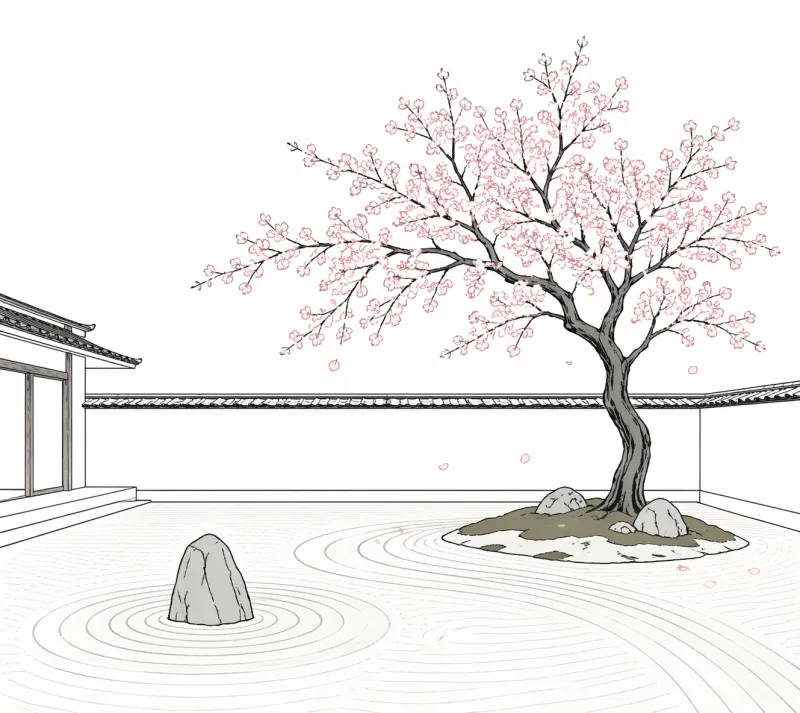
In Storyboard mode, add a character or scene and upload a reference image: a sketch, outfit, pet, object or colour mood board you have the right to use.
Describe the story and pick a style
Write who the character is and what happens, then choose one of the 15 anime art styles. The text sets the character; the reference guides look and mood.
Generate and refine
Generate the frame, then adjust the prompt or swap the reference. Paid Creator plans export HD images without a watermark.
Best references
What Images Work Best as a Reference
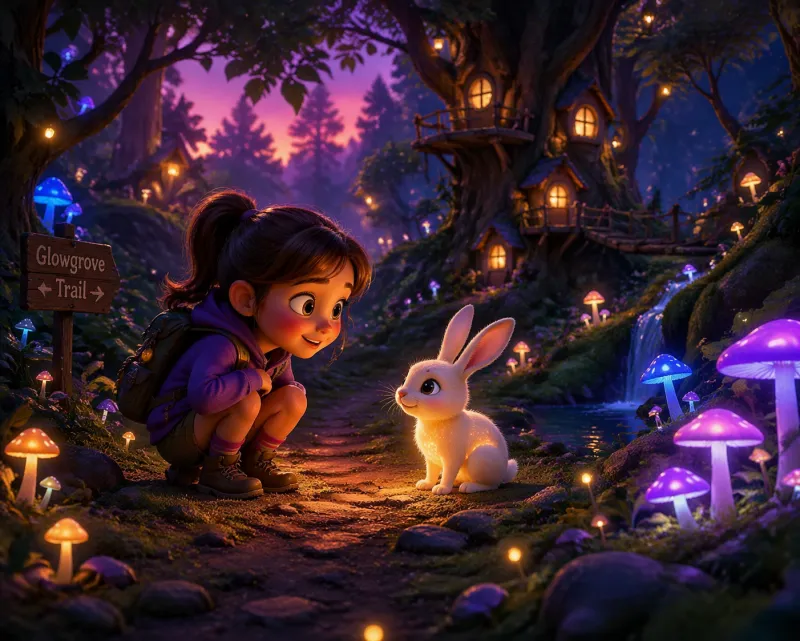
Clear, simple references give the AI the most useful guidance.
Use cases
Anime Filter Uses: Profile Pictures, Posters, Social and Fan Art
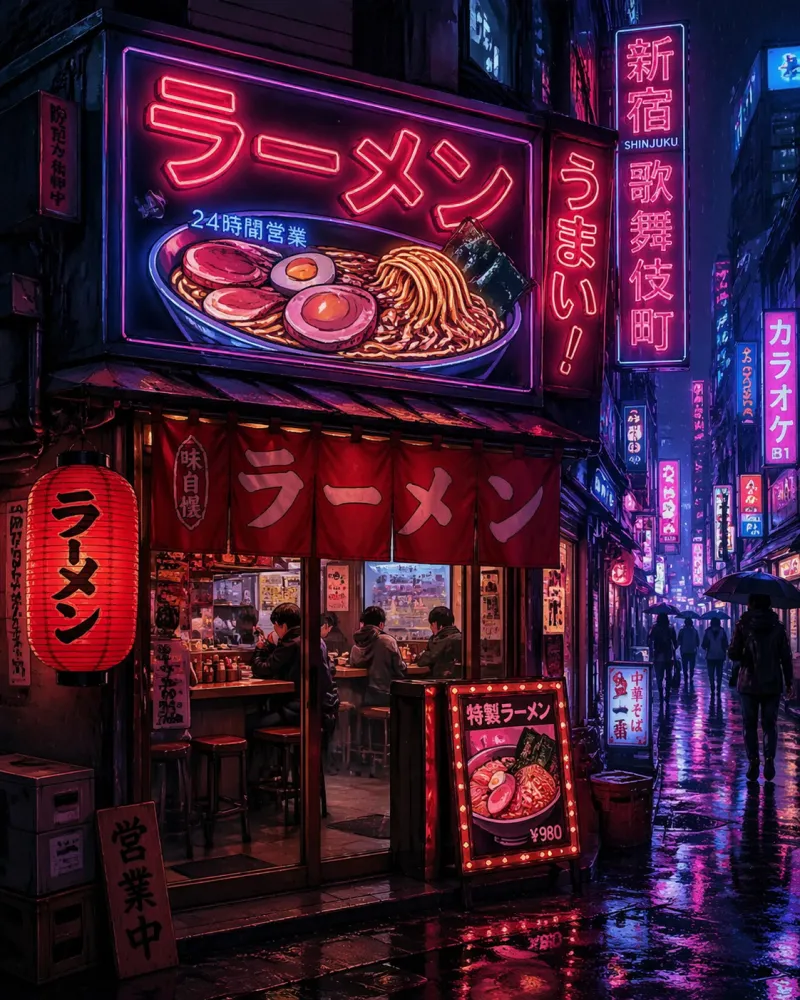
Reference-guided anime art suits projects where you want a new character or scene that follows a mood, outfit or colour palette.
Prompt craft
Prompts That Work with a Reference Image
Tips for better results
Say what the reference is for: "inspired by the colour palette", "guided by the pose", "following the outfit design".
Describe the character in text. The reference guides; the prompt decides who the character is.
Use one clean reference per character. Several mixed images produce a mixed result.
Results are new images generated by AI; likeness may vary.
Limitations
Limitations: Likeness May Vary
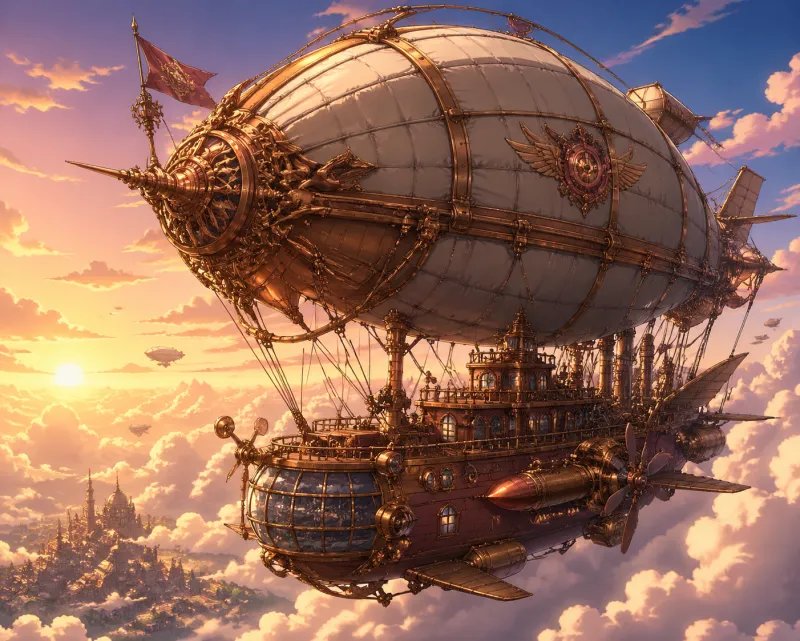
AI image generation is not exact, so set expectations before you start.
Pricing
Simple plans. Commercial use on Creator.
Free
Free tier · Creator from $12.99/mo
Creator Monthly
4,000 credits issued monthly
Creator Annual
$79.99 billed annually
Equivalent to $6.67/month
4,000 credits issued monthly
AI Generated Gallery
Original Anime Characters and Scenes
Every image below was generated by AI. All characters and scenes are fictional.
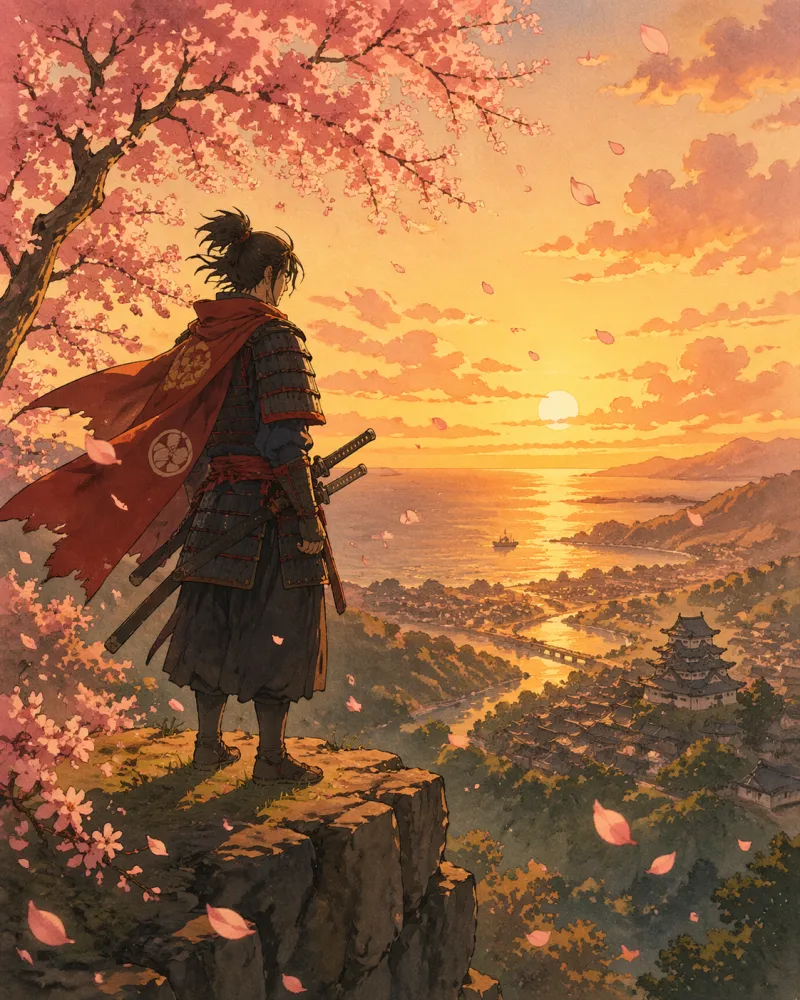
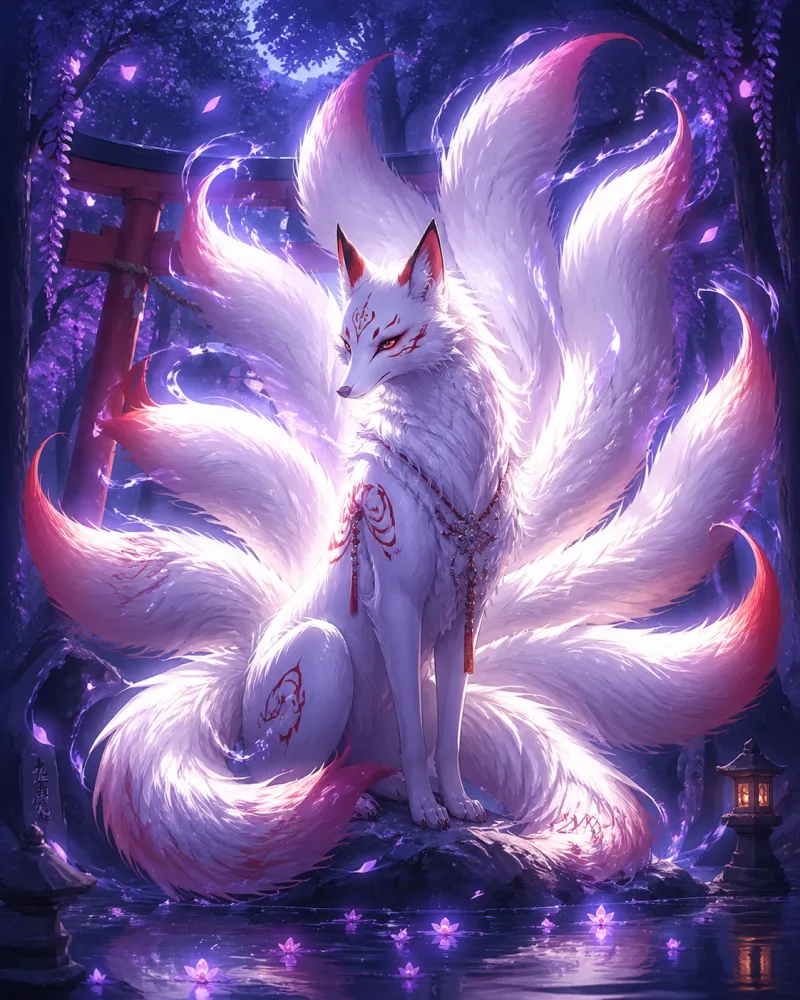
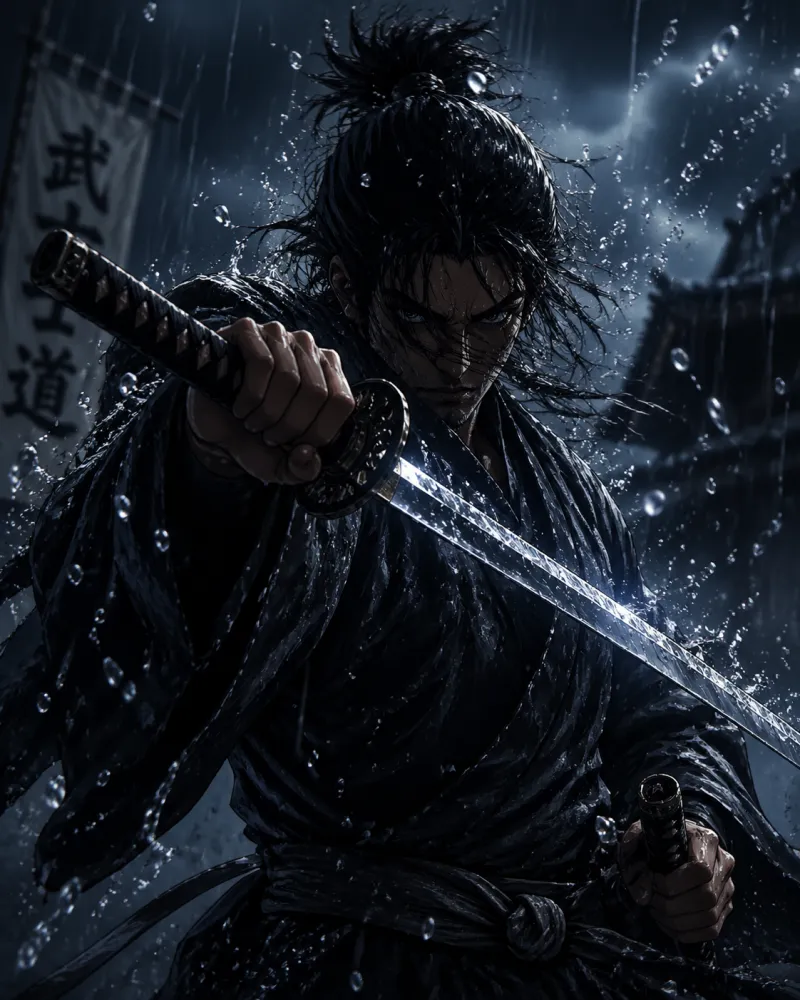
Sunset SamuraiFox SpiritRain SamuraiNeon RamenBrass Airship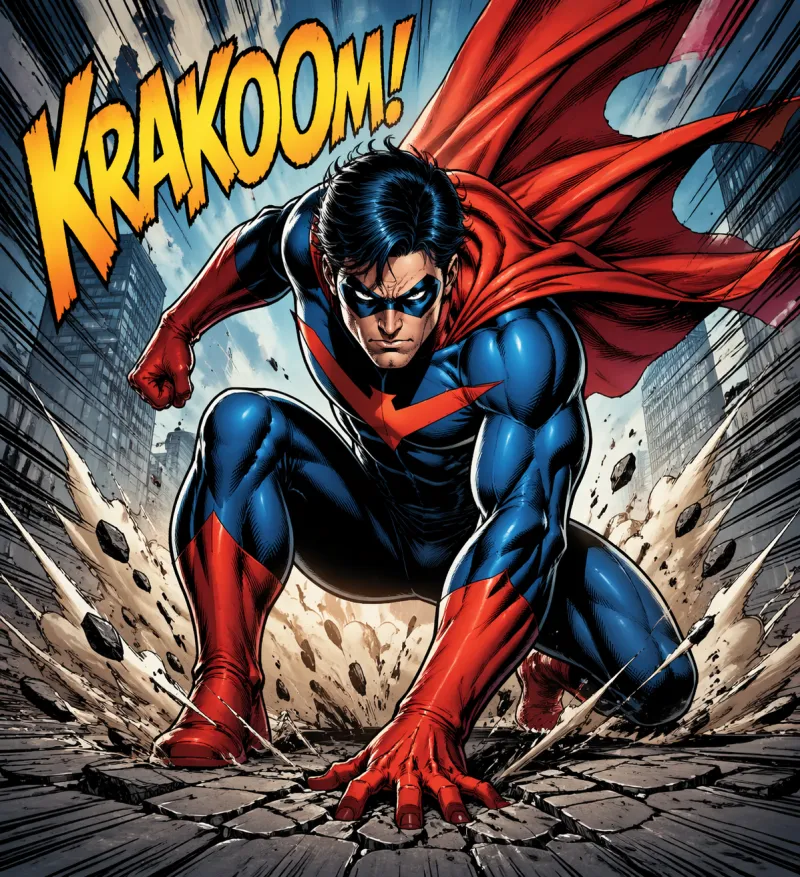 Comic Hero
FAQ
It is not a one-click filter. A reference image guides the art style, colour palette, outfit and pose of a new anime character that you describe in text. Likeness may vary.
Here, yes: both mean using a reference image to guide AI-generated anime art. The reference can be a photo of an object, pet or place, a sketch, an outfit or a mood board.
In Storyboard mode, on a character or scene. The main generator on the home page works from text prompts.
The Free plan includes 1 watermarked image. Creator Monthly is $12.99 and includes about 148–190 images, roughly $0.07–$0.09 per image (4,000 monthly credits divided by 21 credits per text-to-image render or 27 credits per render with a reference image).
Creator plans include commercial usage rights on content you generate, subject to the Terms. Free-tier images are watermarked and for personal, non-commercial use.
Images you do not have the right to use, pictures of other people without their consent, or anything the Terms of Service prohibit.
Start creating anime art from a reference
Pick a style, describe the character and let a reference guide the look.
Try it nowAnime AI Generator is an independent product, not affiliated with or endorsed by any studio, brand or franchise. Do not generate copyrighted characters or third-party trademarks — you are responsible for how you use the content you create.