
AI Cartoon Generator
AI Cartoon Generator: Cartoon Characters from Text
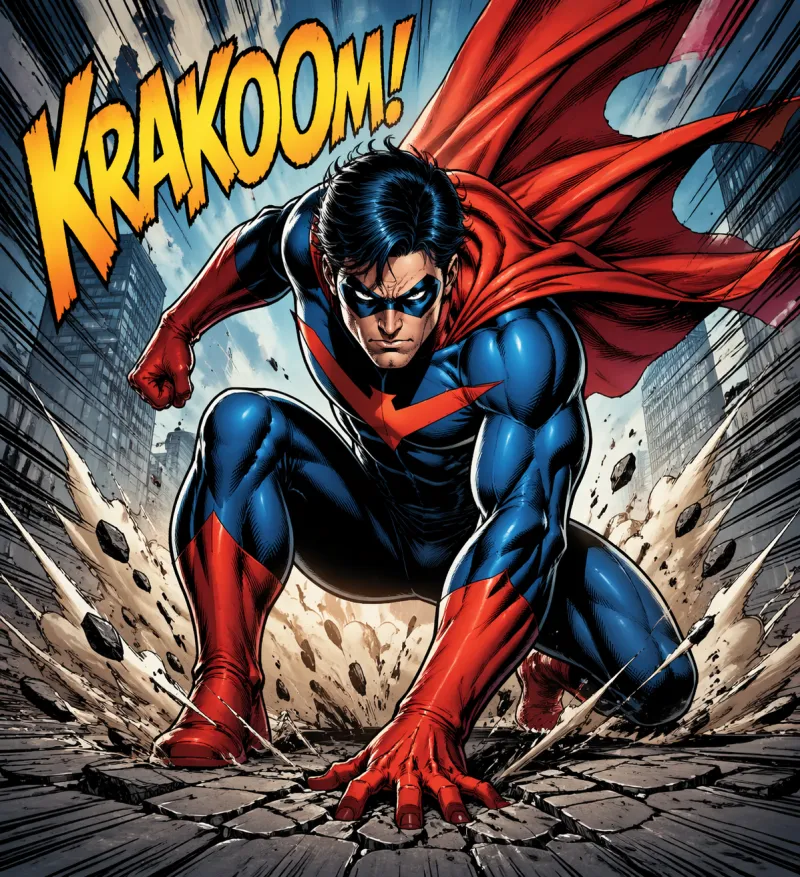
Describe a character, creature or scene and get an original cartoon image. This generator is built on anime art styles, so you can steer the look toward chibi cuteness, a soft 3D render, pixel art, clean minimal shapes or bold comic ink.
What it is
Cartoon Art from a Prompt
An AI cartoon generator turns a written description into a drawn character. Here, the cartoon look comes from the style presets: pick the one closest to the cartoon you imagine, then add descriptive words such as "thick outlines" or "flat colours" in the prompt.
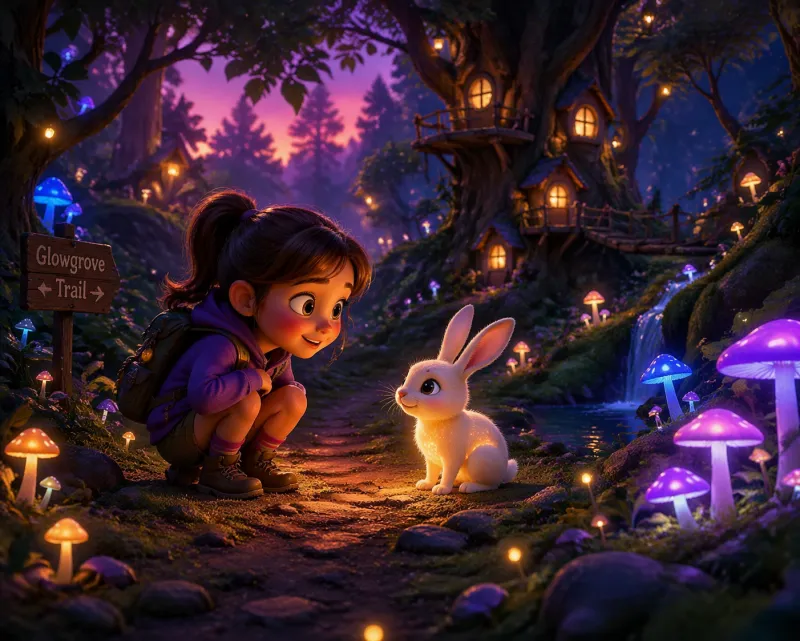
Style picker (6 of 15 presets)
Which Preset Gives Which Cartoon Look?
| Preset | Cartoon look | Good for | Prompt hint |
|---|---|---|---|
| Chibi | Big head, small body, simple features | Mascots, stickers, emotes | chibi, cute, simple background |
| 3D Render | Soft, rounded 3D-animation look | Characters and environments with depth | 3D render, soft lighting, rounded shapes |
| Pixel Art | Retro 16-bit game sprites | Game art and icons | pixel art, limited palette |
| Minimal | Flat shapes and few colours | Logos, icons and clean illustrations | minimal, flat colours, thick outline |
| Manga | Ink lines and screentone shading | Comic panels and character sheets | ink lines, screentone, bold shadows |
| Watercolor | Soft painted storybook look | Children-book style scenes | watercolor wash, storybook |
Use cases
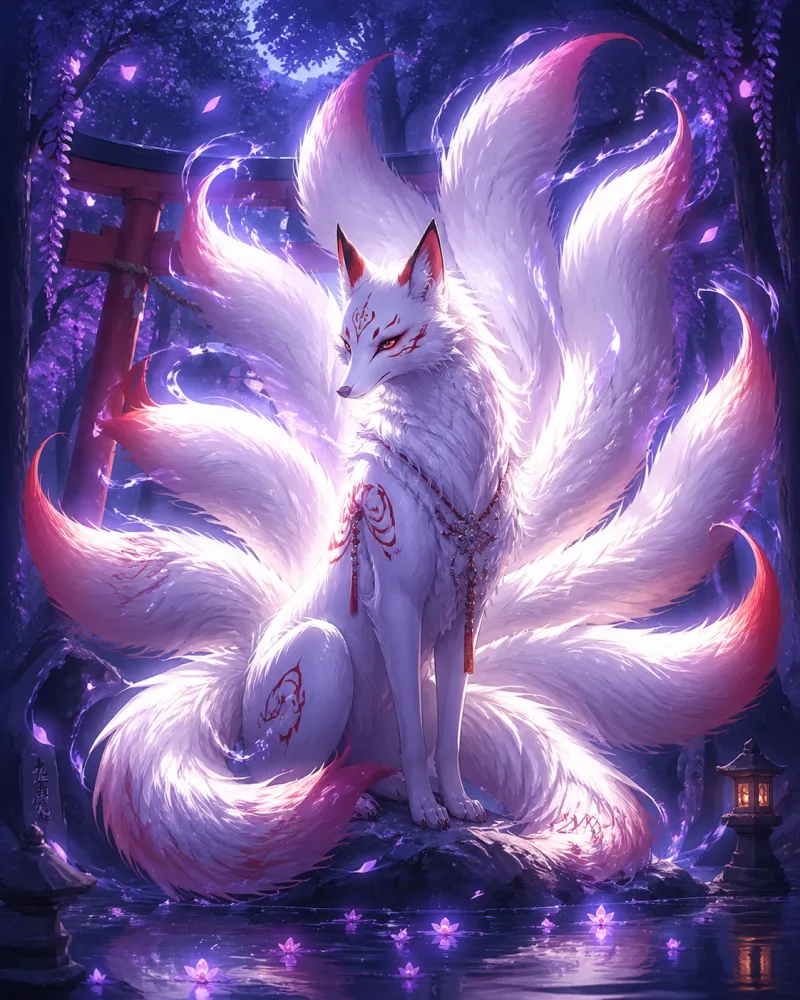
Cartoon Use Cases: Mascots, Stickers, Panels and Channel Art
Cartoon-style images are most useful when they are simple, bold and readable at small sizes.
How it works
How to Make Cartoons with AI
Describe the cartoon
Name the character or scene, its mood and any look words: thick outlines, flat colours, rounded shapes.
Pick a preset and a ratio
Choose the style closest to the cartoon you want and a ratio: 1:1 for icons, 3:4 for portraits, 16:9 for scenes.
Generate and download
Download the result. Creator plans export HD without a watermark and include commercial usage rights, subject to the Terms.
Cartoon video
Cartoon Video: Short Animated Clips
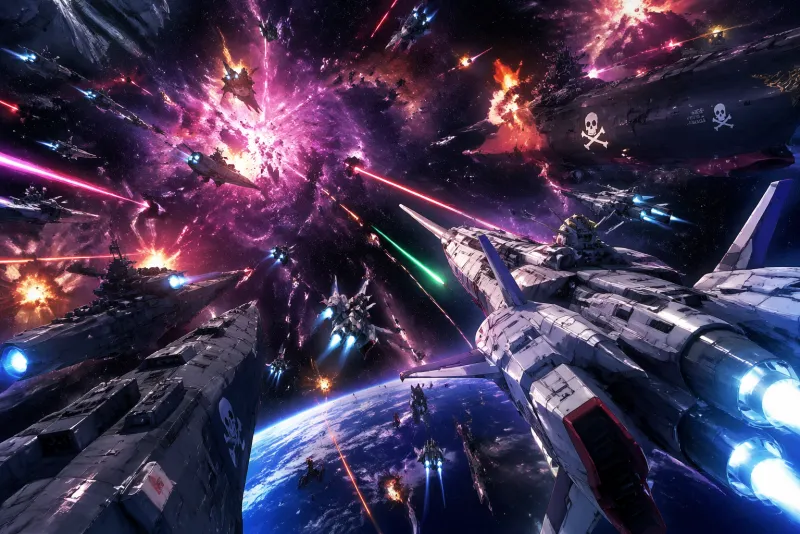
Want movement? The site's AI Anime Video Generator turns a text prompt into a short clip of 5, 8 or 10 seconds. Write the character, the action and the camera in the prompt, then pick a style preset in the same way as for still images.
Prompt craft
Cartoon Prompts to Start From
Tips for better results
Add look words ("thick outlines", "flat colours") to push the style toward cartoon.
Keep backgrounds simple for mascots and stickers.
Describe original characters; avoid names of existing cartoons.
Generate a few variations and keep the most readable one at thumbnail size.
Aspect Ratios for Cartoon Art
| Ratio | Best use |
|---|---|
| 1:1 | Mascots, stickers, icons and profile pictures |
| 3:4 | Character cards and portrait illustrations |
| 9:16 | Phone wallpapers and tall story panels |
| 16:9 | Wide scenes, banners and thumbnails |
Pricing
Simple plans. Commercial use on Creator.
Free
Free tier · Creator from $12.99/mo
Creator Monthly
4,000 credits issued monthly
Creator Annual
$79.99 billed annually
Equivalent to $6.67/month
4,000 credits issued monthly
AI Generated Gallery
Cartoon-Style Images from the Generator
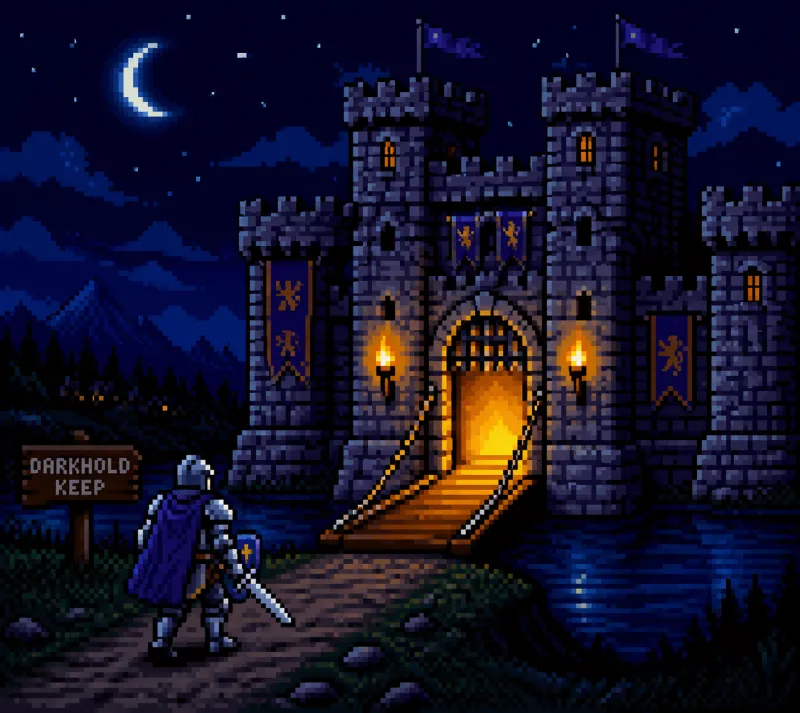
Every image below was generated by AI. All characters and scenes are original.
Comic HeroForest ScenePixel CastleFox Spirit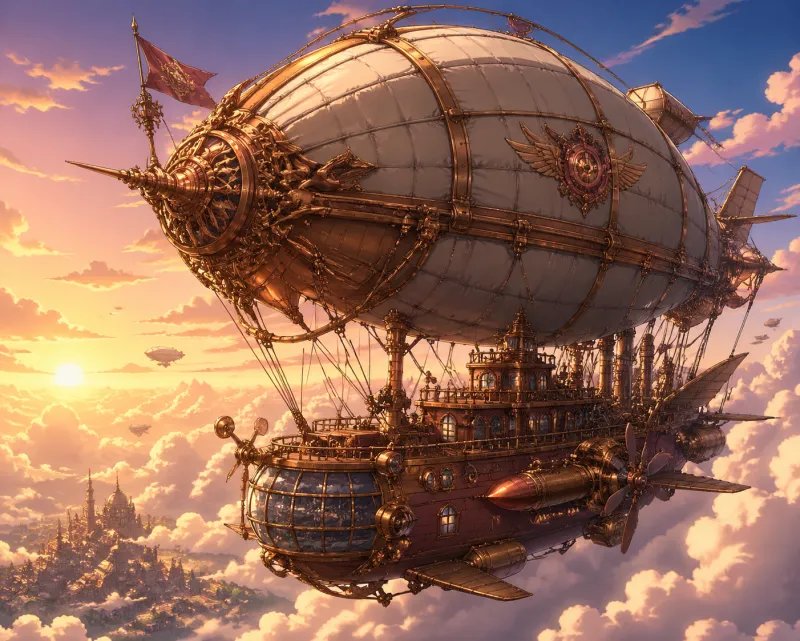 Brass Airship
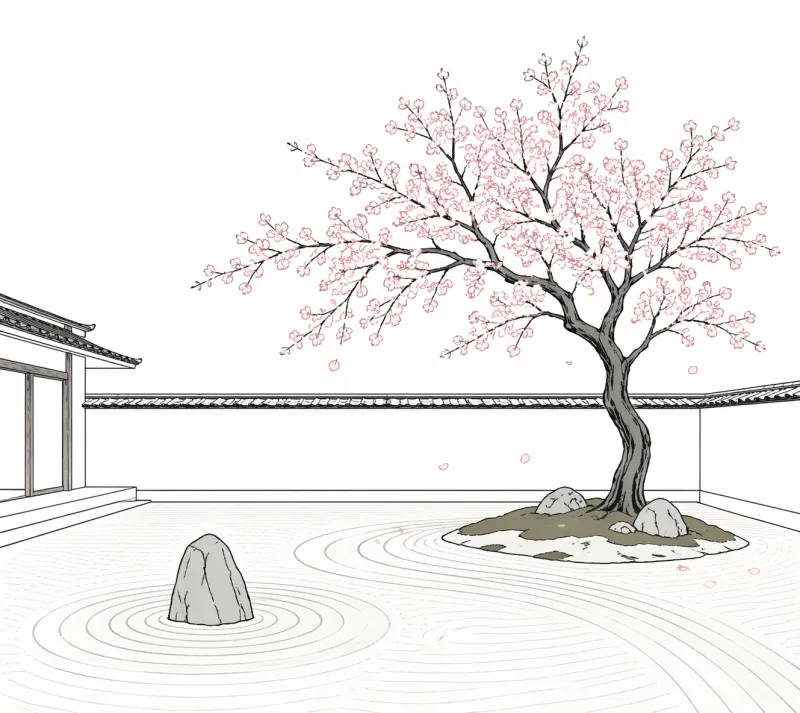 Minimal Zen
FAQ
It is an anime-focused generator. You get cartoon looks through presets such as Chibi, 3D Render, Pixel Art, Minimal and Manga, and by adding look words to the prompt.
Please describe original or fictional characters. Requests for named characters from existing shows and films may infringe third-party rights.
The Free plan includes 1 watermarked image. Creator Monthly is $12.99 and includes about 148–190 images, roughly $0.07–$0.09 per image (based on the plan's 4,000 monthly credits and the site's per-image credit cost).
Creator plans include commercial usage rights on content you generate, subject to the Terms. Free-tier images are watermarked and for personal, non-commercial use.
Yes, the site also has an AI anime video generator for short clips; this page covers still images.
Start generating cartoon art
Describe the character, choose a preset and download an original cartoon image.
Generate a cartoonAnime AI Generator is an independent product, not affiliated with or endorsed by any studio, brand or franchise. Do not generate copyrighted characters or third-party trademarks — you are responsible for how you use the content you create.