
Cinematic Anime Art Generator
Create Film-Quality Anime Art
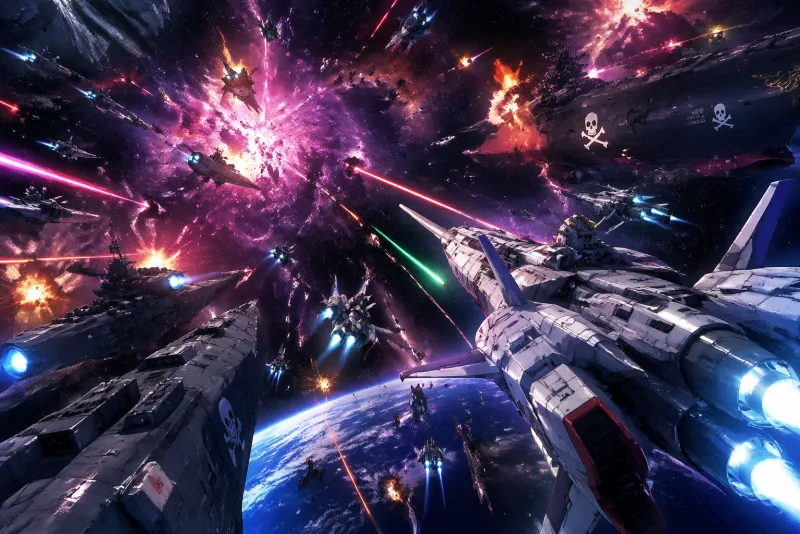
Cinematic anime is the visual language of theatrical productions — volumetric light shafts, motivated dramatic sources, depth-of-field separation, film grain and color grading applied with intent. Write the scene as a director, the AI renders it as a production.
The Cinematic Aesthetic
What Defines Cinematic Anime Art
Cinematic anime applies the full toolkit of professional film production to the anime art form — compositing, color grading, optical effects, and lens simulation.
What You Can Generate
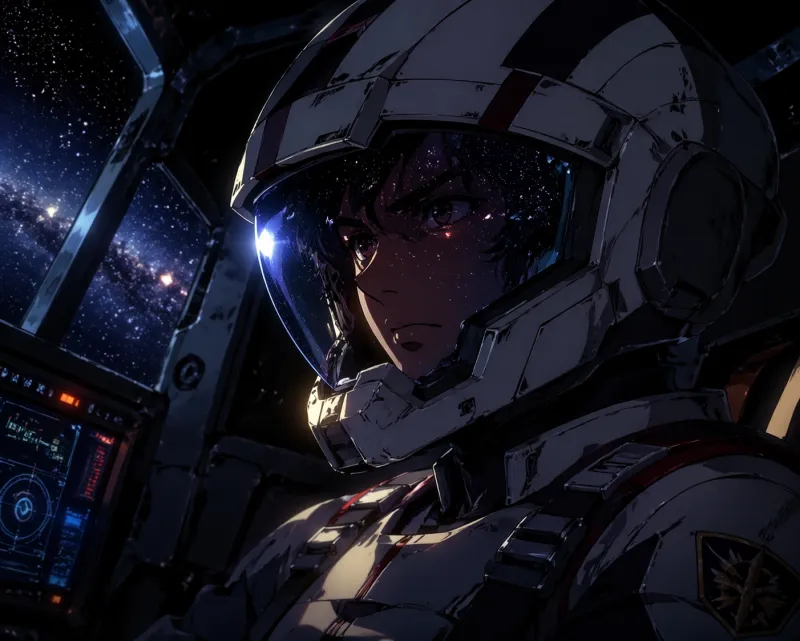
Cinematic style elevates any subject — it is a production quality layer that applies to the full range of anime subject matter.
Style Comparison
Cinematic vs. Other Popular Styles
| Feature | Cinematic | Mecha | Ghibli | Cyberpunk |
|---|---|---|---|---|
| Subject range | Any subject elevated to film production quality | Mechanical hardware, robots, combat | Pastoral scenes, natural environments | Urban near-future, augmentation, neon |
| Lighting approach | Motivated dramatic sources, volumetric, depth-of-field | Energy glow, underlighting, battle atmosphere | Atmospheric naturalism, time-of-day | Neon spill, rain reflection, neon on darkness |
| Color grade | Deliberate cinematic grade per scene mood | Steel blues, plasma glow, combat desaturation | Naturalistic warm palette, seasonal color | Saturated neon cyan and magenta |
| Film texture | Grain, chromatic aberration, lens flare | Clean digital, sharp edges | Painterly, no film texture | Wet surface reflection, neon bloom |
| Best for | Character moments, title cards, any high-impact frame | Battle scenes, mechanical detail | Environmental storytelling, coming-of-age | City environments, technology, dystopia |
How it works
Three Steps to Cinematic Art
Write the Shot Description
Think like a director of photography. Describe the subject, the light source and direction, the color temperature, the focal distance, and what is sharp vs. blurred. Cinematic style responds to technical specificity.
Select Cinematic Style and Aspect Ratio
Choose the Cinematic style from the style selector. Use 16:9 or 21:9 for wide cinematic framing, 9:16 for vertical mobile-first compositions, and 1:1 for poster and cover formats.
Generate and Download
Your high-resolution cinematic frame is delivered in seconds. Download immediately with commercial usage rights on Creator plans (subject to the Terms) — suitable for covers, prints, game assets, and production artwork.
Prompt craft
How to Write Effective Cinematic Prompts
Tips for better results
Name the light source and direction in every prompt. "Backlit by fire," "rim light from the left," "volumetric shaft from above" — the AI uses these as literal lighting directions.
Include a color grade description when you have a specific mood: "teal-orange grade," "desaturated cool," "warm amber push."
Describe what is in focus and what is blurred. "Selective focus on the face, background city blurred" produces dramatically different results from a fully sharp scene.
Cinematic style handles any subject — do not limit to action. Quiet intimate scenes rendered with cinematic lighting often produce the strongest results.
Aspect Ratios for Cinematic Style
| Ratio | Best Use |
|---|---|
| 16:9 | Standard cinematic widescreen — establishing shots, action sequences, two-character scenes |
| 21:9 | Ultra-wide anamorphic format for panoramic environments and maximum cinematic impact |
| 9:16 | Vertical mobile-first format — character close-ups, portrait compositions, social media content |
| 1:1 | Poster and cover art, editorial illustration, social media square format |
Pricing
Simple plans. Commercial use on Creator.
Free
Free tier · Creator from $12.99/mo
Creator Monthly
4,000 credits issued monthly
Creator Annual
$79.99 billed annually
Equivalent to $6.67/month
4,000 credits issued monthly
AI Generated Gallery
More Cinematic-Style Art
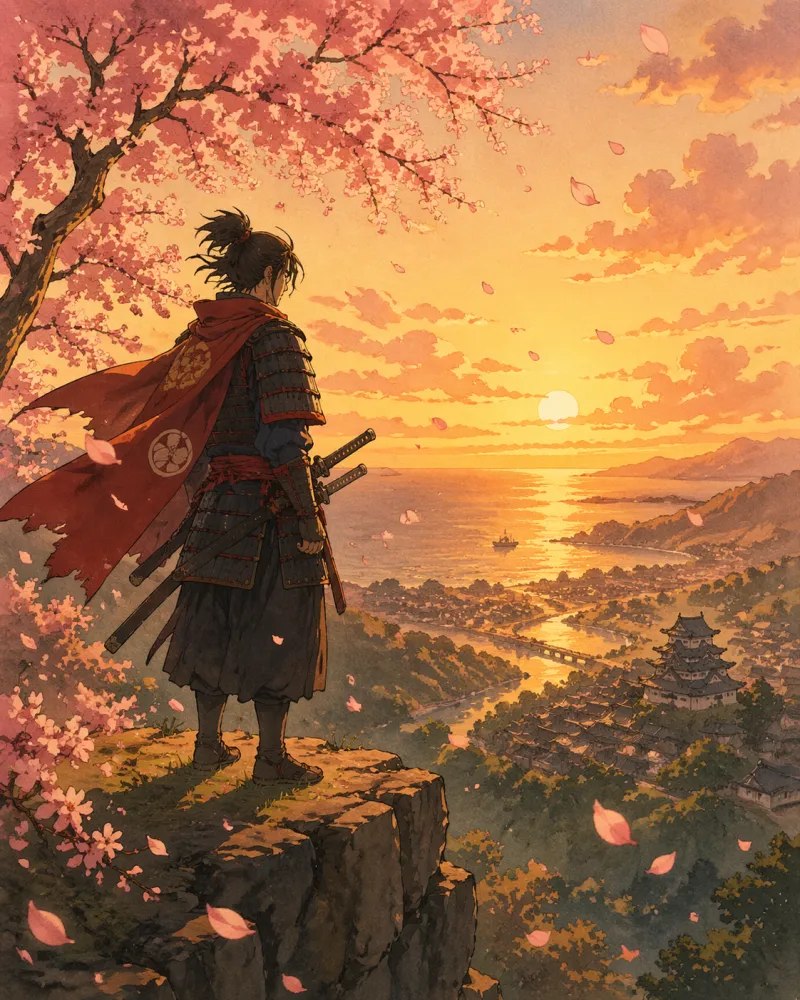
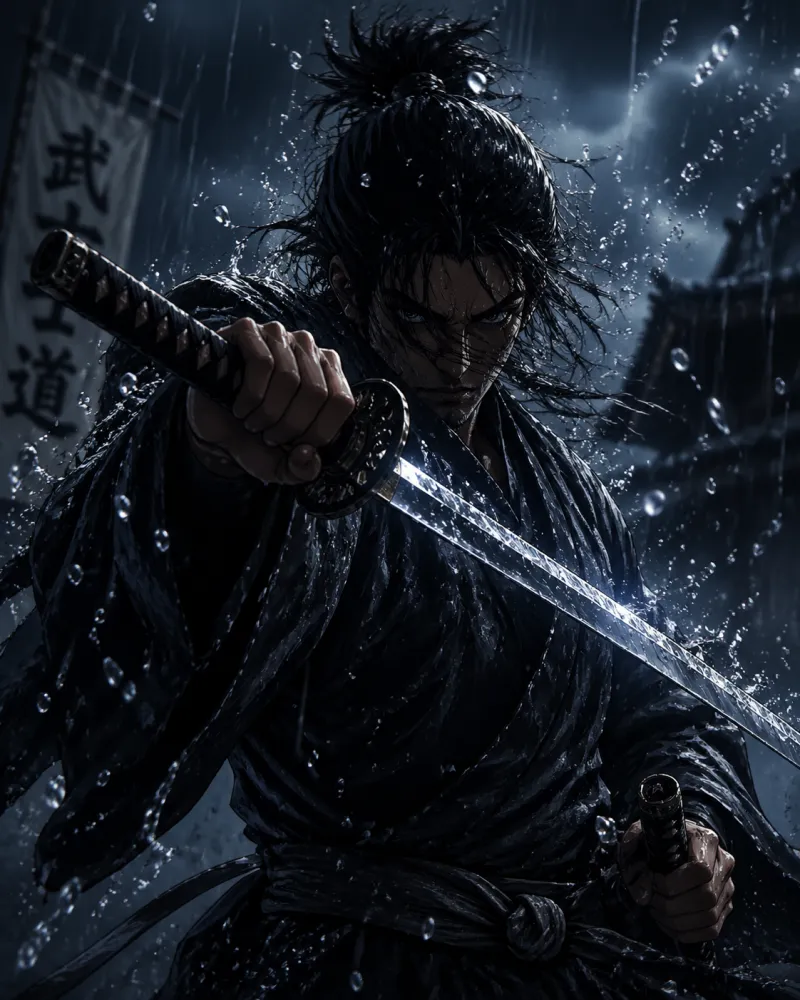
Every image below was generated by AI using the Cinematic style preset.
Orbital ViewBattle Unit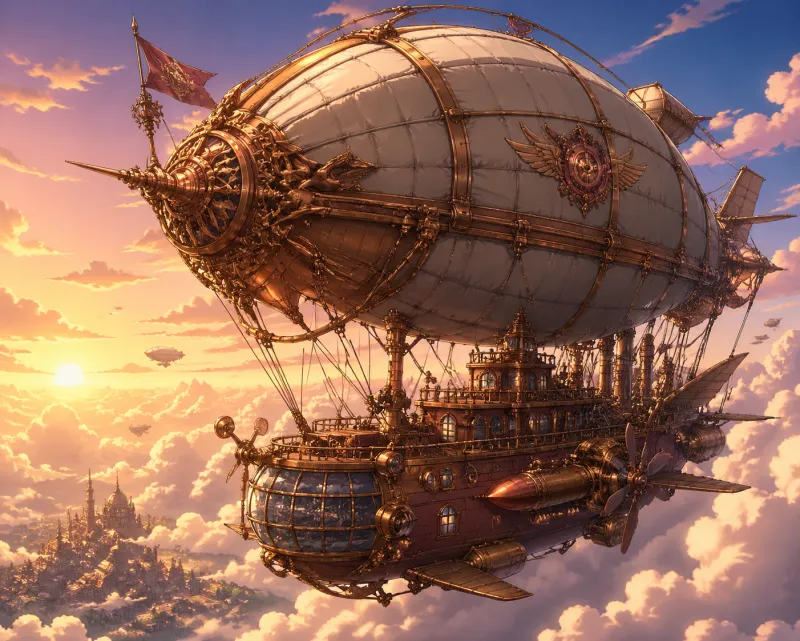 Sky Fortress
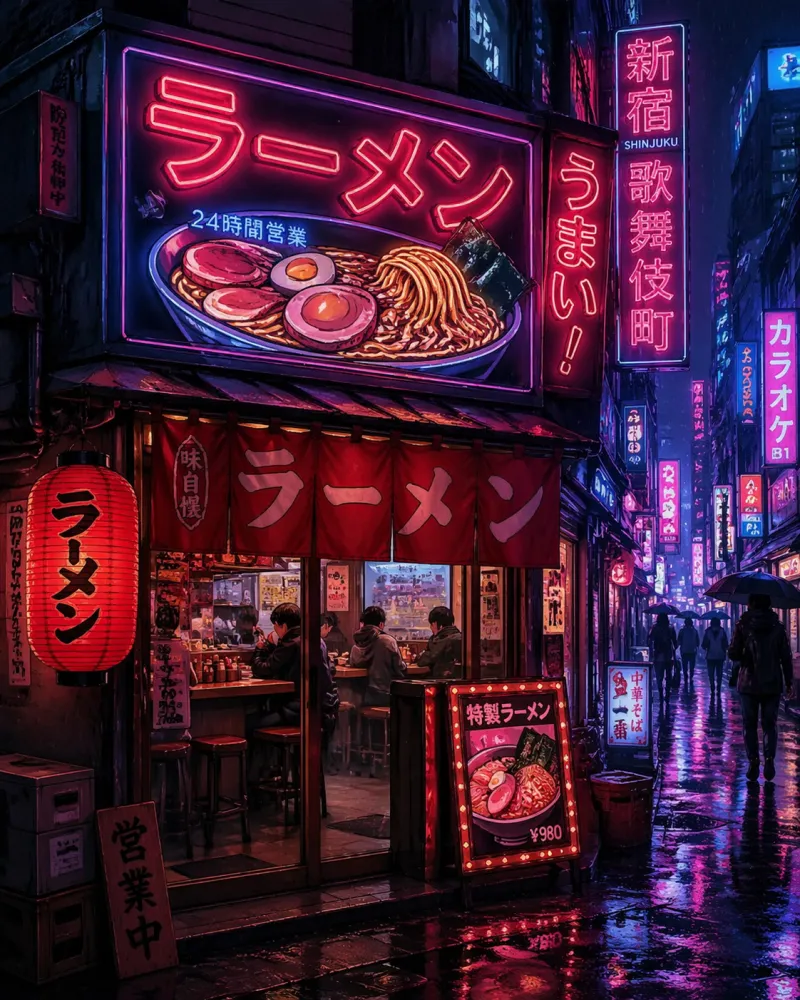 Night City
 Forest Duel
 Dragon Flight
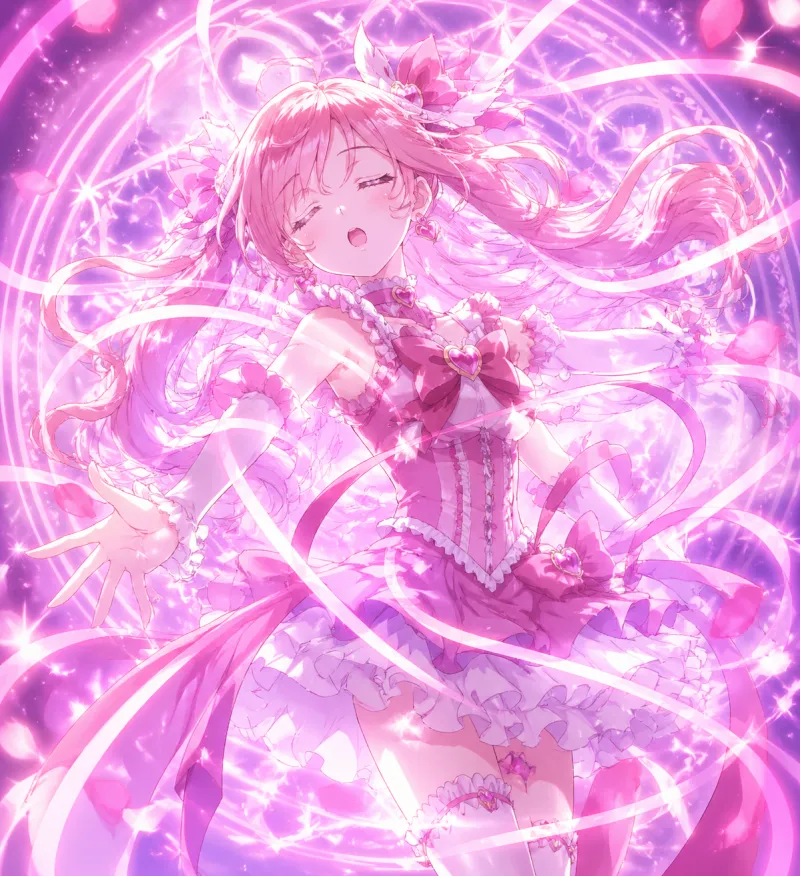 Transformation
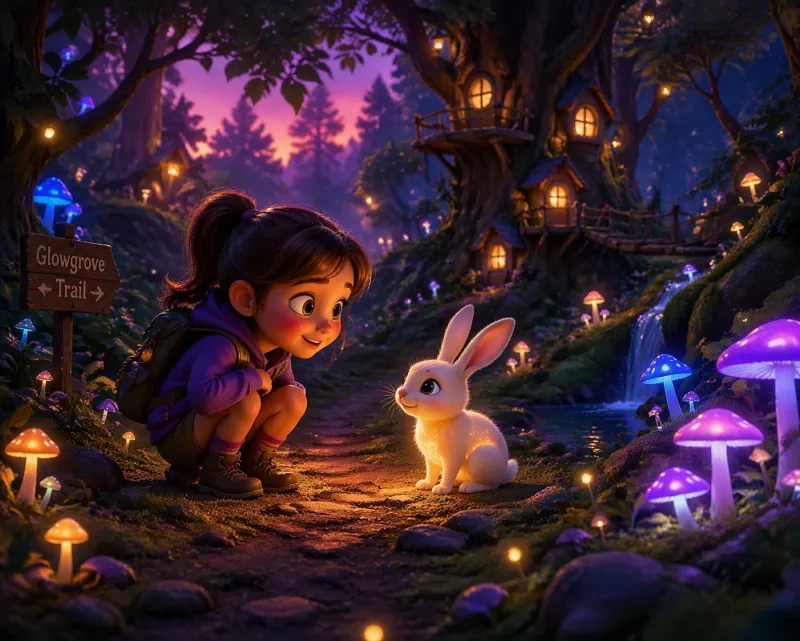 Deep Forest
Start generating Cinematic Art
The Cinematic style is one of 15 available. No drawing skills, no software — describe the shot, choose the style, generate.
Try the Cinematic style nowAnime AI Generator is an independent product, not affiliated with or endorsed by any studio, brand or franchise. Do not generate copyrighted characters or third-party trademarks — you are responsible for how you use the content you create.