
Pixel Art AI Generator
Create 16-Bit Anime Pixel Art
Pixel art is a medium defined by deliberate constraint — a visible grid, a limited palette, and the aesthetic that defined a generation of RPGs and platformers. Generate anime-style pixel art from a text description and produce work that carries the unmistakable quality of classic 16-bit game art.
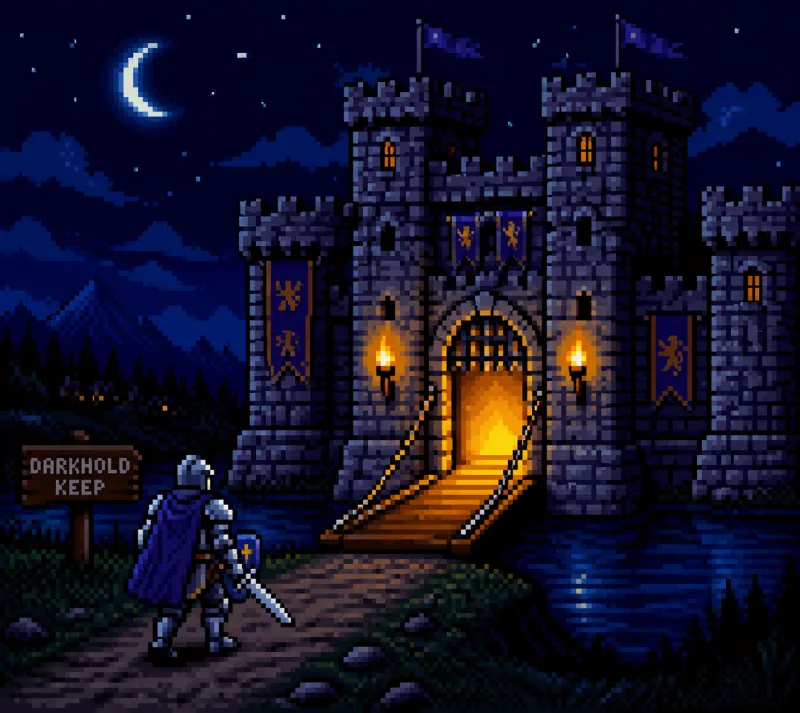
The Pixel Art Aesthetic
What Defines Pixel Art Anime
Pixel art is not simply "low resolution." It is a deliberate craft tradition with its own technical vocabulary, compositional conventions, and expressive possibilities.
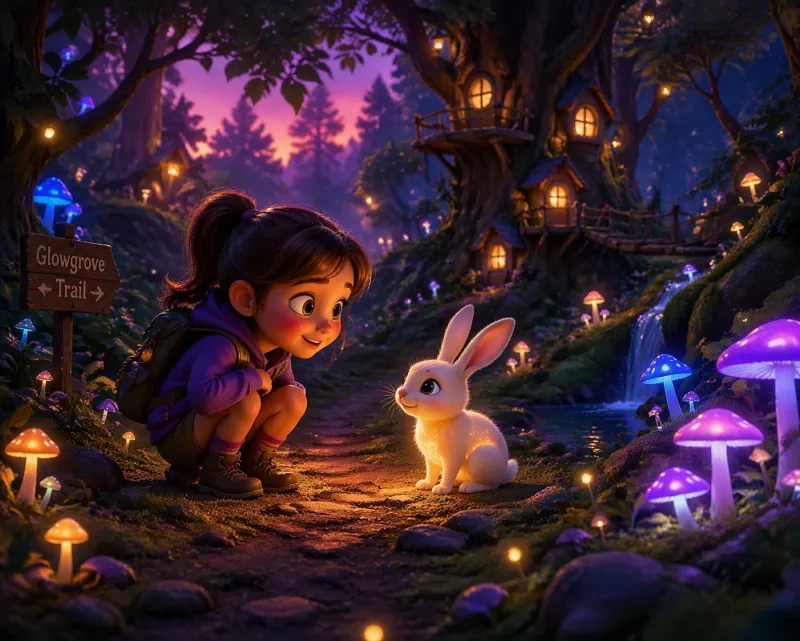
What You Can Generate
The pixel art style handles characters, environments, and game-ready compositions with a strong fidelity to 16-bit JRPG and platformer conventions.
How it works
Three Steps to Pixel Art
Write Your Scene Description
Describe your subject using game design language: the perspective (top-down, side-scroll, isometric), the scene type (battle, overworld, interior), and the character or environment details. Reference specific game styles like JRPG, platformer, or RPG battle scene.
Select Pixel Art Style and Aspect Ratio
Choose the Pixel Art style from the style selector. Use 16:9 for wide landscape and overworld scenes, 1:1 for character sprite sheets and item icons, or 3:4 for battle scenes and character portraits.
Generate and Download
Submit your prompt. Your image is returned at high resolution within seconds. Download it immediately — commercial usage rights are available on Creator plans, subject to the Terms.
Prompt craft
How to Write Effective Pixel Art Prompts
Tips for better results
Specify the perspective. "Top-down JRPG," "side-scrolling platformer," or "isometric RPG" are all distinct pixel art conventions that produce very different results.
Reference the bit era explicitly. "16-bit," "8-bit," or "32-bit" palette depth sets the expected level of color complexity and detail density.
Use game design vocabulary. "Character sprite," "tile map," "battle scene," "overworld," and "NPC portrait" all communicate the intended use case and influence the composition.
Mention dithering or limited palette when you want authentic retro output. Without these cues the AI may produce smoother pixel art with a more modern look.
Pricing
Simple plans. Commercial use on Creator.
Free
Free tier · Creator from $12.99/mo
Creator Monthly
4,000 credits issued monthly
Creator Annual
$79.99 billed annually
Equivalent to $6.67/month
4,000 credits issued monthly
Start generating Pixel Art
The Pixel Art style is one of 15 available. No drawing skills, no software — write your scene, choose your style, generate.
Try the Pixel Art style nowAnime AI Generator is an independent product, not affiliated with or endorsed by any studio, brand or franchise. Do not generate copyrighted characters or third-party trademarks — you are responsible for how you use the content you create.