
AI Rap Video Generator
Anime Rap Video Visuals
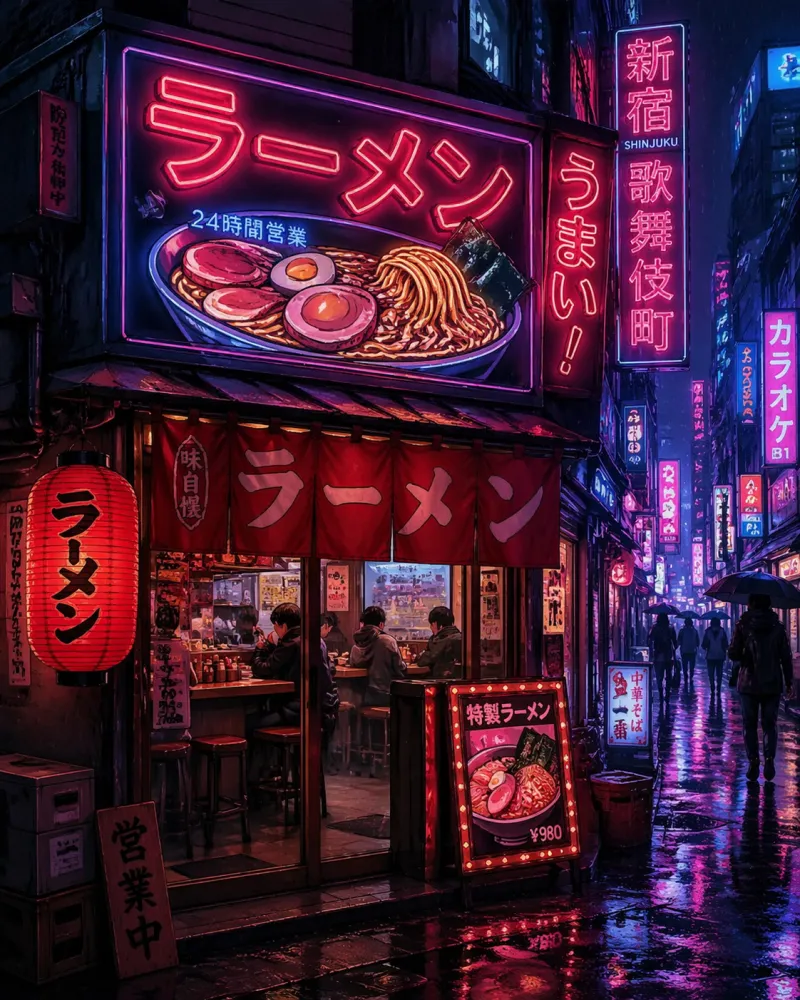
Turn a text prompt into anime-style rap video visuals — neon streets, stage lights, city nights. Generates 5, 8, or 10-second silent video clips; pair them with your own track in any editor. No face swap, no celebrity likeness — original anime scenes only.
Built For Rap Visuals
Anime Scenes That Match the Beat
Generic AI video tools chase photorealism. This generator is anime-first — which is exactly the aesthetic behind the AI rap visuals trending on TikTok and Shorts: stylized performers, neon-soaked streets, dramatic stage lighting, slow push-in shots.
Describe the scene you hear in the track — a rapper on a rain-soaked rooftop, a crew walking through a cyberpunk market, a noir club stage — and the model renders it as a moving anime clip.
Important expectation check: clips are generated as visuals only, with no audio. You add your own beat or vocal track when you cut the video together. That also keeps you in control of music licensing.
How It Works
Three Steps From Prompt to Clip
Describe the scene
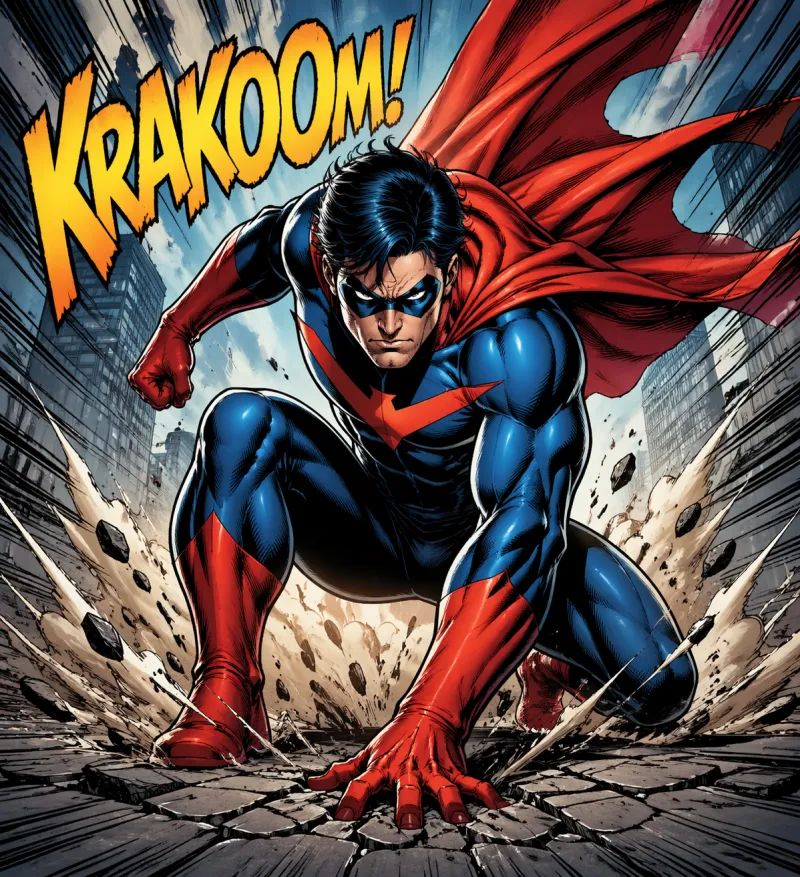
Write what one shot of your rap video looks like: subject, setting, lighting, camera move. One clip = one shot, so think in storyboard beats.
Pick style and ratio
Choose from 15 anime styles — cyberpunk and cinematic hit hardest for rap visuals — and select 9:16 vertical for TikTok/Shorts or 16:9 for YouTube.
Generate, then add your track
The model renders a 5, 8, or 10-second silent clip. Drop it into CapCut, Premiere, or any editor and sync it to your own music.
Prompt Ideas
Rap Video Prompts That Work
Tips for better results
Write one shot per clip — a single camera move reads far better in 5–10 seconds than a scene change.
Name the lighting (neon, rim light, stage wash) — lighting sells the music-video look more than anything else.
Generate several takes of the same prompt and cut between them on the beat.
Formats
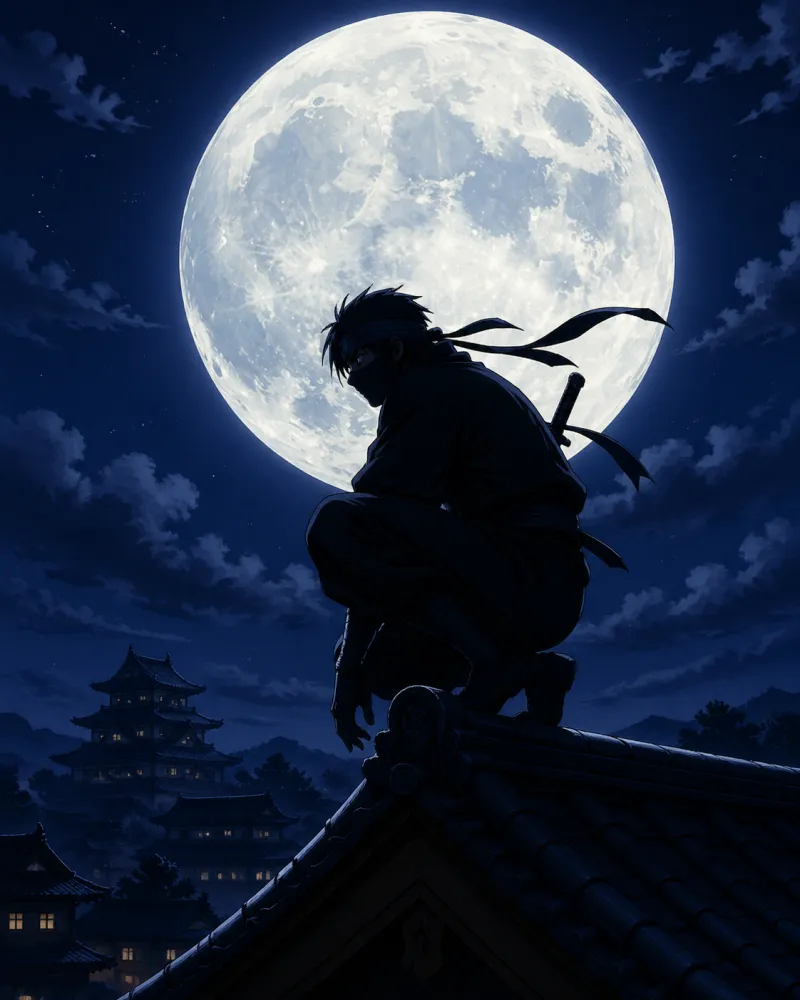
Aspect Ratios for Music Platforms
| Ratio | Platform Use |
|---|---|
| 9:16 | TikTok, Reels, YouTube Shorts — where rap visuals trend |
| 16:9 | YouTube full videos, streaming, horizontal display |
| 1:1 | Social media feeds, square format posts |
| 4:3 | Traditional proportions, presentation contexts |
Video Lengths
Clip Length and Credit Cost
| Clip length | Credits (standard 480p) |
|---|---|
| 5 seconds | 753 |
| 8 seconds | 1,205 |
| 10 seconds | 1,506 |
Honest Boundaries
What This Tool Is — and Isn't
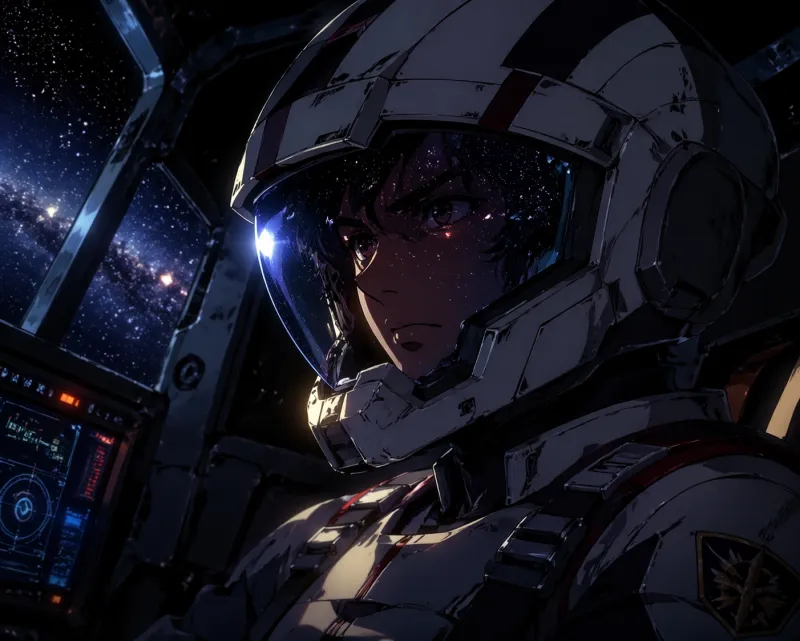
This is a text-to-anime-video generator. It creates original animated scenes from your written prompts or reference images.
It is not a face-swap or motion-transfer tool: it cannot put a real person's face into a video, imitate a specific artist, or recreate viral face-swap memes like the Hotel Lobby AI videos. Curious what that trend actually is? Read our Hotel Lobby AI video explainer.
Clips are visual-only (no sound). You are responsible for the prompts you write and the music you pair the clips with; rights in AI output vary by jurisdiction.
FAQ
No. Clips are generated as silent visuals. You pair them with your own beat or vocals in any video editor — which also keeps music licensing fully in your hands.
No. Those viral clips use motion-transfer/face-swap tools, which this site deliberately does not offer. This tool generates original anime characters and scenes from text — no real faces, no celebrity likenesses.
Yes — you can start free and preview how the generator works, then subscribe to Creator ($12.99/month for 4,000 credits, roughly 5 videos) when you want more clips.
Cyberpunk and Cinematic are the workhorses: neon flicker, rain, steam, camera pushes and dramatic lighting shifts all animate well. Noir works great for moodier tracks.
Creator-plan output has no watermark and is intended for your own projects. You're responsible for your inputs and your audio; the legal status of AI-generated output varies by jurisdiction, so check the rules that apply to you.
Make your Rap Visuals
Start free, then scale up with Creator — Monthly $12.99 or Annual $79.99 for 4,000 credits every month. Cancel anytime.
Start generating rap visualsAnime AI Generator is an independent product, not affiliated with or endorsed by any studio, brand or franchise. Do not generate copyrighted characters or third-party trademarks — you are responsible for how you use the content you create.